


K-8 Students - How to Join a Google Hangouts Meet on an iPad via Safari

Last updated: Mar 27, 2020
4130
views

Step 1: Tap the link that your teacher has provided.
Example:

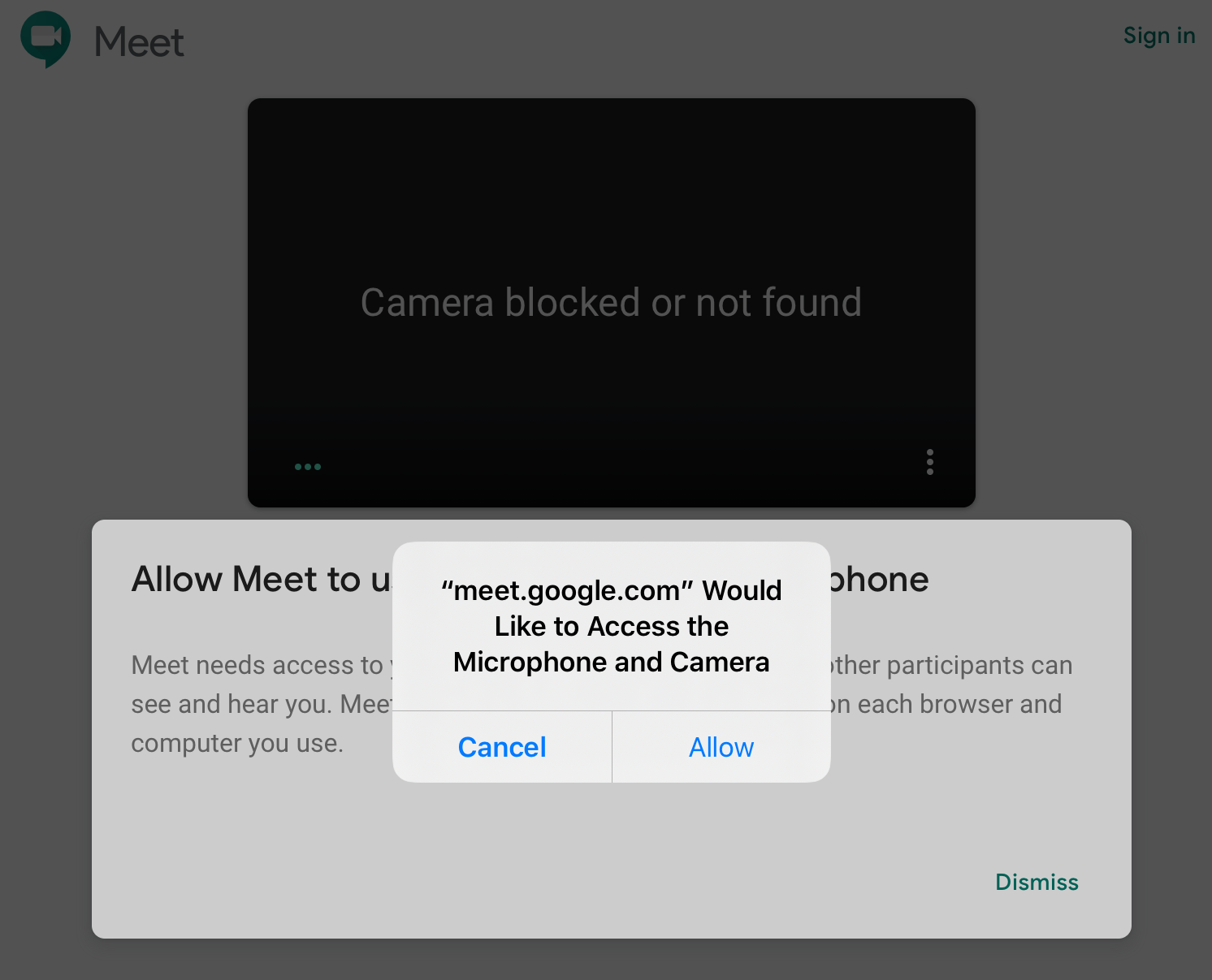
Step 2: Tap "Allow" to allow the Camera and Microphone.
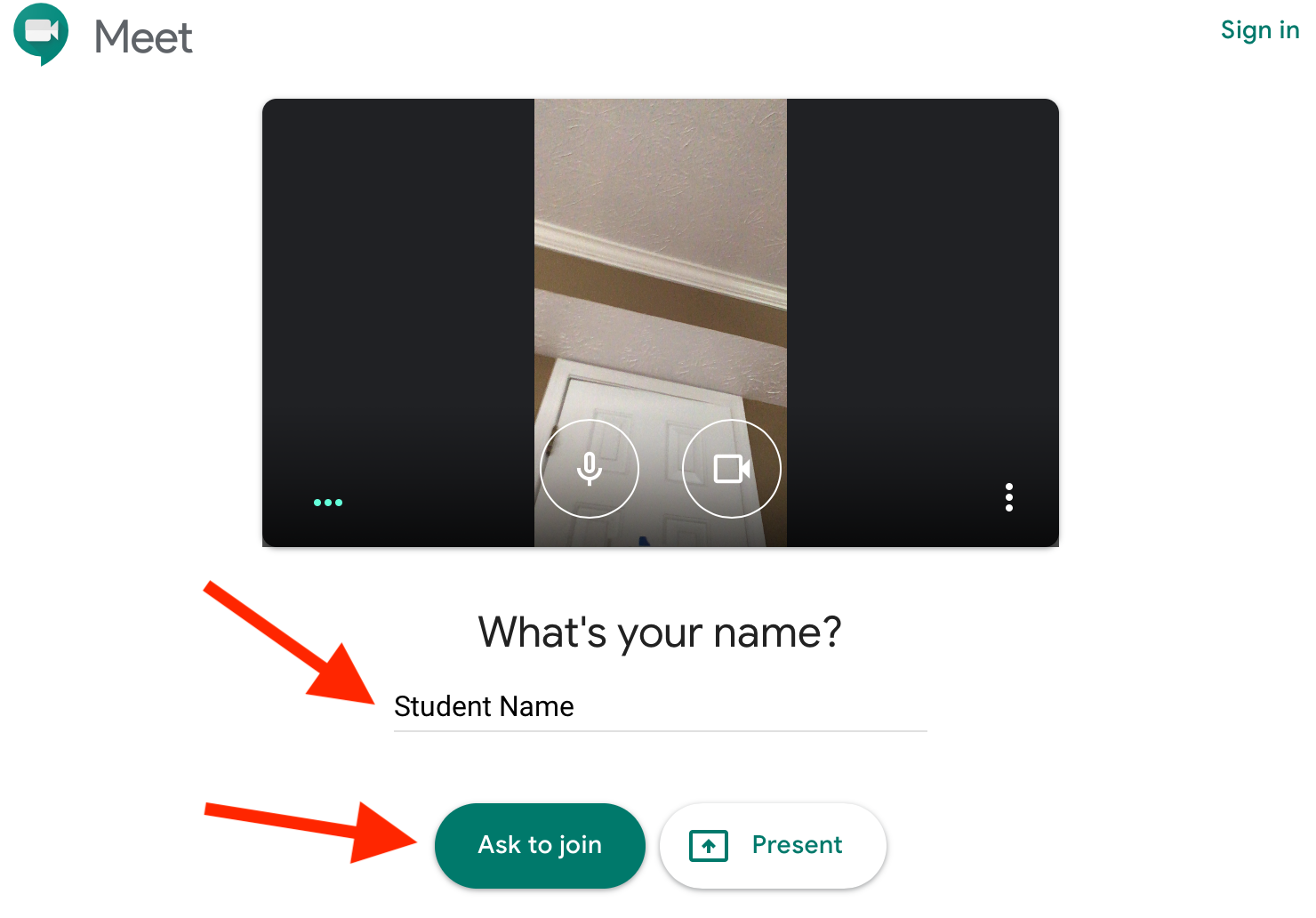
Step 3: If you are not already logged into a Google account you will be prompted to type your name. Then Tap “Ask to Join.”
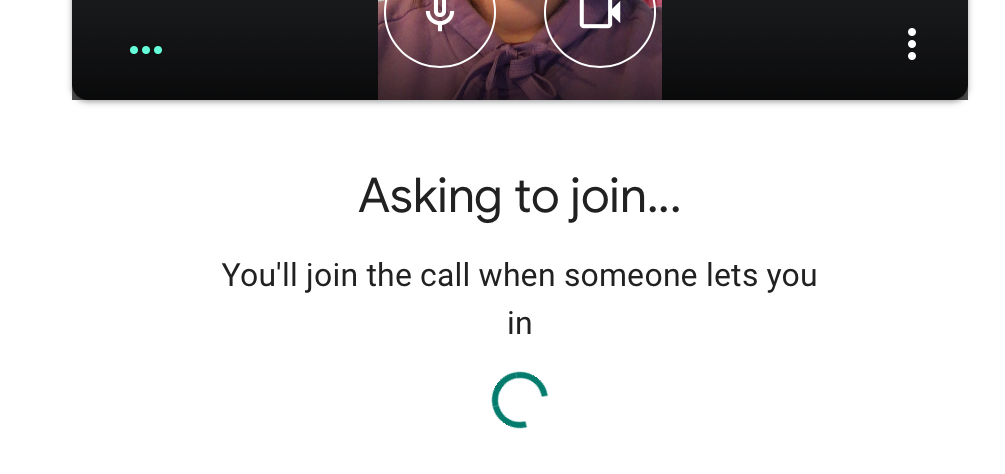
Step 4: Wait for your teacher to accept your connection
You're in!

At the bottom of the window you will see controls to Mute Audio, Disconnect, and Mute Video


